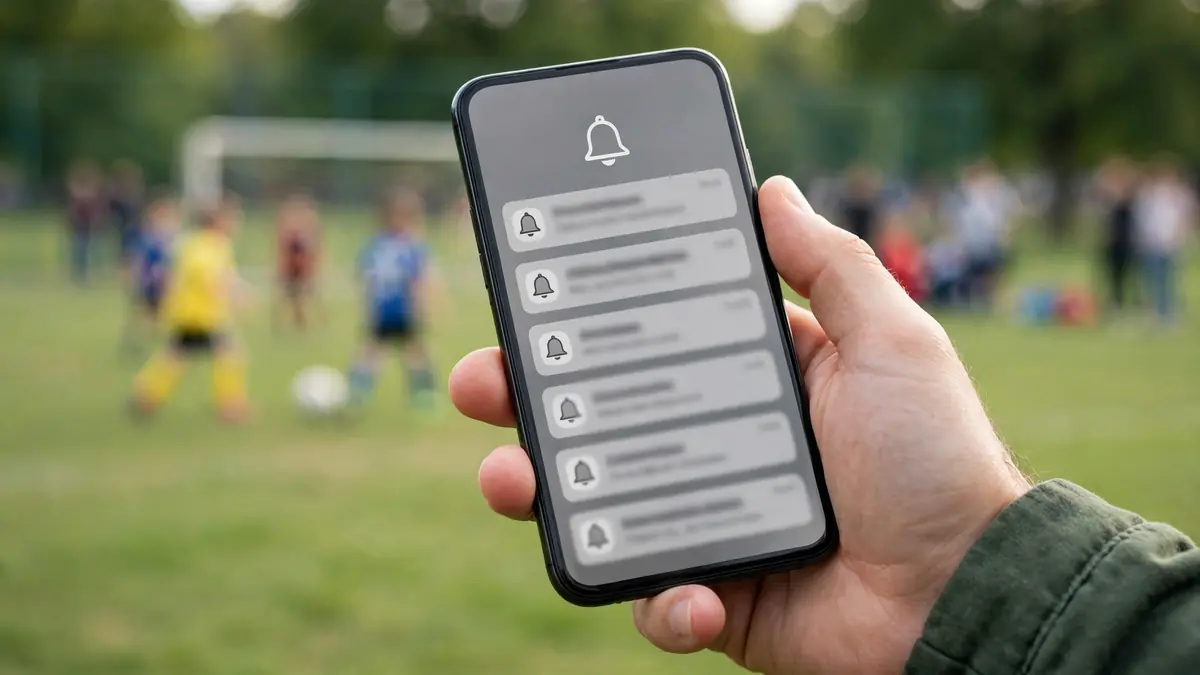
Every coach has lived this moment: you sent the message, you are sure you sent the message, and still a player arrives at the old field, at the old time, in the wrong kit. The instinct is to blame attention, "nobody reads anything", but missed team notifications usually have mechanical causes. A phone silenced the app during an update. The change was buried inside a chat thread. The message went out at a moment when nobody could act on it. Or the family is drowning in so many low-value notifications that the important one looked exactly like the rest. Reduce missed notifications by fixing those causes, and the problem shrinks dramatically without sending a single extra nag.
This article works through the main reasons team messages get missed and the practical countermeasures for each: protecting the signal value of your notifications, layering reminders intelligently, using confirmation systems instead of hope, and troubleshooting the families who consistently miss out.
Reason One: Everything Is Marked Urgent, So Nothing Is
Notifications are a currency, and inflation destroys them. If parents receive a push alert for every chat message, photo and minor update, they do what any sensible person does, they mute the app or start ignoring the alerts entirely. Then the genuinely urgent message, the game moved because of weather, arrives with the same buzz as the carpool chat and is treated the same way.
The fix is discipline about which channel carries which weight. Routine conversation stays in chat without push alerts for every reply. Announcements are posted in their organised place. Push notifications are reserved for what the official TeamLinkt site describes them as carrying: urgent updates such as game reminders, schedule changes and announcements. When a push from the coach reliably means "this matters today", parents respond to it. Guard that signal jealously, every unnecessary urgent message spends trust you will need on the day the field floods.
Reason Two: The Message Arrived at the Wrong Moment
A schedule change sent at 11 p.m. competes with sleep; one sent during the school and work rush competes with everything. Timing cannot guarantee attention, but it can stop actively working against you. Send the weekly update at the consistent time families have learned to expect. Send reminders close enough to the event to be actionable, a game reminder the evening before or the morning of, rather than days ahead, when it will be read, noted mentally and forgotten. For same-day changes, send as early as you possibly can; the difference between a 7 a.m. and a 9 a.m. message about a 10 a.m. game is the difference between a family adjusting breakfast and a family already in the car.
Also consider the gap between reading and acting. A message that requires a response, confirm availability, note the new venue, should be sent when people can actually respond, not in the middle of the working day when it will be opened, intended for later, and buried by forty newer notifications. Our scheduling companions, including tips for keeping sports schedules organized, reinforce the same principle: predictability is what makes information stick.
Reason Three: It Was Sent Once, in One Place, and Never Confirmed
Hope is not a confirmation system. For routine news, a single announcement is fine. For changes and must-not-miss information, layer deliberately: post the announcement in its organised home, send a push reminder because the item is urgent, and add an email event reminder as a second route for families who live in their inbox. TeamLinkt supports this layering directly, with push reminders and email event reminders alongside announcements kept in one place, the point being that different families reliably check different channels, and important information should travel by more than one of them.
Then close the loop. The strongest tool against missed notifications is the RSVP and availability system: when players set availability in the app, the coach can see exactly who has confirmed and who has not. Silence becomes visible. Instead of re-sending to everyone, you follow up personally with the two families who have not responded, a direct message or a quick word at practice. That targeted follow-up respects the majority who did read the message, and it almost always reveals the real story behind a non-response: a new phone, a changed email address, a notification setting switched off.
Reason Four: A Technical Setting Is Silently Blocking Messages
Sometimes a family misses everything for a purely technical reason: the app was logged out, notifications were disabled at the phone level, an update reset permissions, the parent who registered is not the parent who does the Saturday driving, or messages are landing in an email spam folder. These causes produce a recognisable pattern, one household misses most things while everyone else is fine, and they are nobody's fault. Handle them with a short, friendly troubleshooting conversation rather than frustration. If notification problems persist in the app itself, our dedicated guide to TeamLinkt notification problems walks through what to check step by step.
Prevention helps too. At the season's start, ask every family to do a two-minute setup check: open the app, confirm notifications are on, verify the contact details are current, and make sure every caregiver who needs the information, not just the one who registered, is connected. One test announcement in week one, with replies requested, flushes out most silent failures before they matter.
Reason Five: The Message Itself Was Easy to Miss
Finally, look at the message. A change hidden in the fourth paragraph of a long general update will be missed by skim-readers, which is to say most readers. Changes deserve their own short announcements with the changed fact in the first line. One topic per message, the key detail up front, and a clear statement of what action is needed, "new time: 11:30, same field, please re-confirm availability", make a message survivable at a glance. Our guide to organizing team announcements and updates covers formats and templates that keep every message scannable.
What Not to Do
Two tempting responses make missed notifications worse. The first is volume: sending everything twice, in three channels, with follow-up chasers. It works for a week, then parents tune out the sender entirely. The second is public frustration, calling out families in the group chat for missing a message. It embarrasses people whose phone settings were the real culprit, and it teaches the group that the coach's messages come with scolding attached, which is one more reason to avoid opening them. Both responses treat attention as the problem when the system is the problem. The full system view, from channel design to weekly rhythm, is laid out in our complete guide to sports team communication.
Build a Predictable Reminder Rhythm for Game Day
One-off reminders help; a rhythm families can anticipate helps more. Consider what a dependable game-week pattern looks like. The weekly update early in the week carries the fixture details. Availability is confirmed by a set day, so the coach is not guessing on Friday. A short reminder lands the evening before the game with meet time, venue and kit. On the day itself, nothing further is sent unless something changes, and precisely because the rhythm is quiet, a game-day message instantly signals that something has changed and deserves attention.
That last point is the rhythm's real power. When families know the normal pattern, abnormal messages stand out. Coaches who message constantly train their audience to treat every message as routine; coaches who keep a steady, sparse rhythm find that the one message that matters cuts through immediately. Write your pattern down in the season's welcome message so parents know what to expect, and then honour it, consistency is what converts a series of notifications into a system people trust.
Give Older Players a Role in the Loop
With younger children, parents are the communication loop, and rightly so. As players move into their teens, though, some responsibility can and should shift. A fourteen-year-old can check the schedule, set their own availability and tell their parents what time they need to be at the field. Coaches who deliberately hand over these small responsibilities, announcing at the season's start that players in this age group are expected to track their own fixtures, reduce missed notifications twice over: the message now has two readers instead of one, and the player develops the organisational habits sport is supposed to teach. Keep parents connected as the backstop, especially for changes and anything involving money, travel or safeguarding, but let the player be the first line. Many "missed" messages in older age groups are really messages that went to a parent who assumed their teenager had seen them, while the teenager assumed the opposite.
Conclusion
Missed notifications are a design problem with design solutions. Protect the value of push alerts by reserving them for genuinely urgent updates. Time messages for when families can act on them. Layer announcements, push reminders and email reminders for the items that matter, and replace hope with RSVPs and availability checks so silence becomes visible and follow-up can be personal. Check the technical basics early, and write messages whose key fact cannot be missed. Do these things, and "I never saw that message" becomes the rare exception it should be.